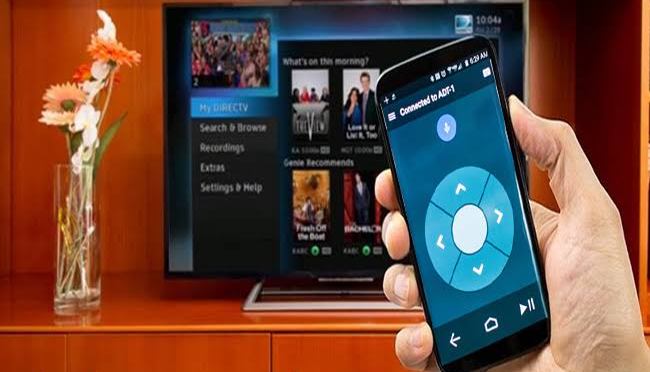
Set up the remote control app
Download and install the Android TV Remote Control app on your phone or tablet. You can also search for “Android TV Remote Control” on Google Play.
Make sure that your phone or tablet is on the same Wi-Fi network as your Android TV.
Open the Android TV Remote Control app on your phone or tablet.
In the app, you’ll see your Android TV listed. Touch the name.
On your TV screen, you’ll see a PIN. Enter this PIN on your phone or tablet.
Then touch Pair.
Tag Archives: phone tricks
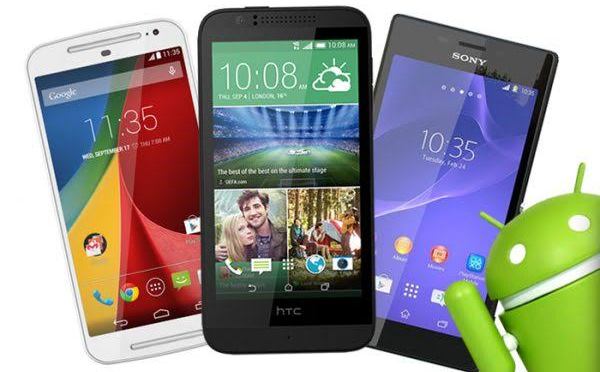
20 ANDROID SECRET CODES
Android Secrete codes:
1. Phone Information, Usage and Battery – *#*#4636#*#*
2. IMEI Number – *#06#
3. Enter Service Menu On
Newer Phones – *#0*#
4. Detailed Camera
Information – *#*#34971539#*#*
5. Backup All Media Files –
*#*#273282*255*663282*#*#*
6. Wireless LAN Test – *#*#232339#*#*
7. Enable Test Mode for Service – *#*#197328640#*#*
8. Back-light Test – *#*#0842#*#*
9. Test the Touchscreen – *#*#2664#*#*
10. Vibration Test – *#*#0842#*#*
11. FTA Software Version – *#*#1111#*#*
12. Complete Software and Hardware Info – *#12580*369#
13. Diagnostic Configuration – *#9090#
14. USB Logging Control – *#872564#
15. System Dump Mode – *# 9900#
16. HSDPA/HSUPA Control Menu –*#301279#
17. View Phone Lock Status – *#7465625#
18. Reset the Data Partition to Factory State – *#*#7780#*#*
19. Format Your Device To Factory State(will delete everything on your phone) – *2767*3855#
20. Hidden Service Menu For Motorola Droid – ##7764726

THIS IS HOW TO DELETE FACEBOOK ACCOUNT
1. Go to https://www.facebook.com/help/delete_account by using your browser.If you are not automatically logged in, enter the email address or phone number and password for your account, then click Log In. It’s a blue button in the middle of the page.
2. Click “Delete My Account“. It’s below the warning message in the middle of the page.
3. Enter your password again. You’ll do so in the “Password” field at the top of the window.
4. Type in the captcha code. This code is the jumble of letters and numbers in the middle of the window; you’ll type your answer into the field below the code Then click ok
5. Finish by clicking “Ok” to delete your account. It’s at the bottom of the pop-up window. Total account deletion can take more than 14 days, but your account will be gone from Facebook after that time frame.
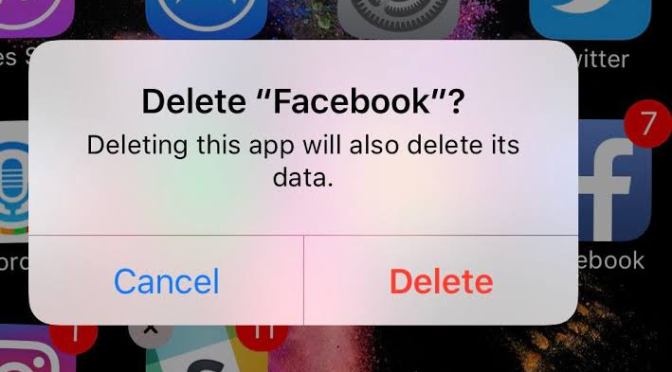
HOW TO UNINSTALL YOUR DOWNLOADED APPS ON ANDROID PHONE
Open your device’s Settings app.
You cannot use this method to uninstall apps that came preloaded on your device. See the next section for details on removing preloaded apps
Scroll down and tap Apps. It’s in the “Device” section.
Scroll down and tap the app you want to deleted.
Tap UNINSTALL.
- If there is no UNINSTALL button, the app is a default or system app that can’t be deleted without rooting your device. You can tap DISABLE to prevent it from functioning and hide it on your device. To permanently delete it, you’ll need to root your device and delete it from a desktop computer.
Tap OK to confirm. The app will be removed from your device
SIMPLE WAY TO REBOOT YOUR PHONE
1. Check if your device is completely frozen. Try pressing all the keys your Android device has and see if there’s any response. A device that has been frozen or completely stuck will not work no matter what button you press.
2. Remove the back cover. Most, if not all, Android devices, regardless of the make and model, have accessible parts like its memory card, SIM card & battery, often at the back part.Back panels can be removed by prying it off from a notch you’ll see along the sides, or by simply sliding it off the phone.
3. Remove the battery. Flip the battery out of your device. The Android should shut down due to the absence of power, forcibly resetting your Android device.
4. Place back the battery. After a few moments(5mn+), put the battery back and replace the back cover.
5. Restart your device. Press the device’s Power button to switch it on. Your Android phone should resume its normal operation
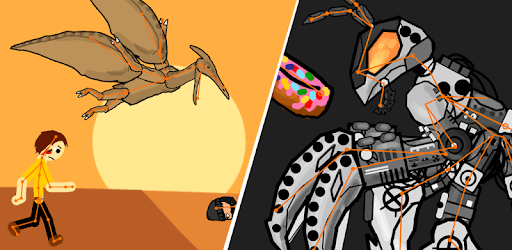
How to create cartoon in your Android phone
Do you know that you can make cartoon videos by using your phone?
Do you know that you can do it free?
Do you know how you can do it?
It is very easy!!!.first of all you need to download or install the app called “Drawing cartoon 2” (available in play store).

Drawing cartoon 2 is a cartoon maker app that enables you to create cartoon video on your phone for free.
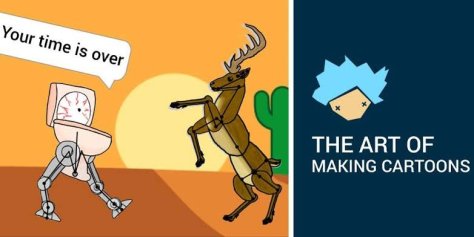
It give you more than 200+ characters and also give you a chance to create your own characters.
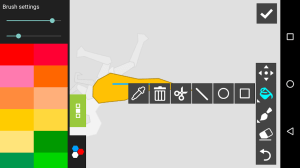
After installing the app,open and you will see all instructions about how to create cartoon by using that app.
 The bestgalaxy