Set up the remote control app
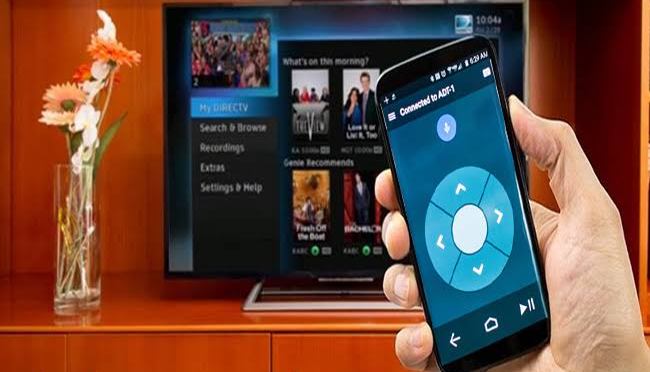
Download and install the Android TV Remote Control app on your phone or tablet. You can also search for “Android TV Remote Control” on Google Play.
Make sure that your phone or tablet is on the same Wi-Fi network as your Android TV.
Open the Android TV Remote Control app on your phone or tablet.
In the app, you’ll see your Android TV listed. Touch the name.
On your TV screen, you’ll see a PIN. Enter this PIN on your phone or tablet.
Then touch Pair.
 The bestgalaxy